


Veridia
Veridia AI: Live Your Story
AI interactive fiction
Step inside a living novel.
Write any move in your own words. An AI narrator answers with a cinematic scene, remembers your choices and tracks health, money, relationships and the mission.

- EN · TRstories and interface
- On devicestory memory stays private
- Voicespeak and listen
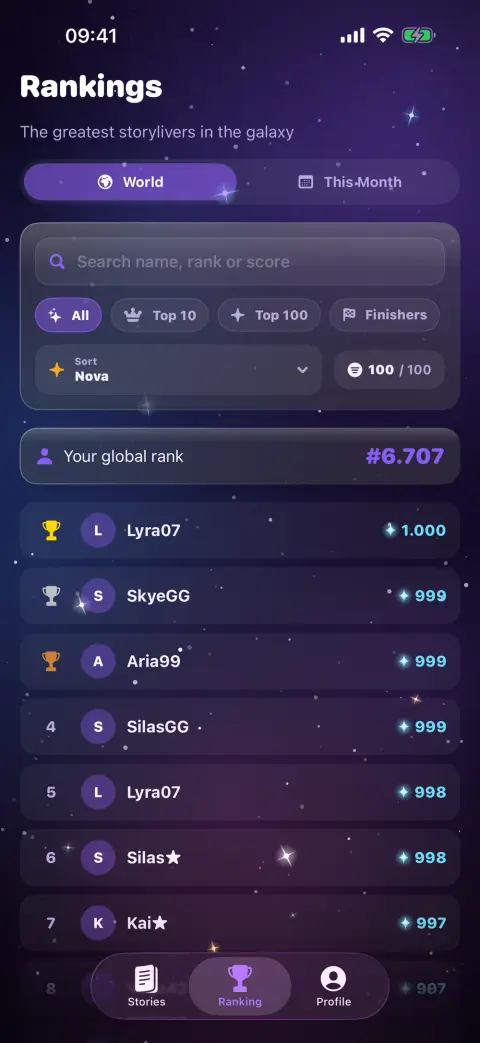
- Novarank earned, never bought
- Platforms
- iPhone, iPad, Android (coming soon)
- Requires
- iOS 17
- Languages
- English and Turkish
- Price
- Paid download, with in-app purchases
- Version
- 1.1
Features
A closer look
-
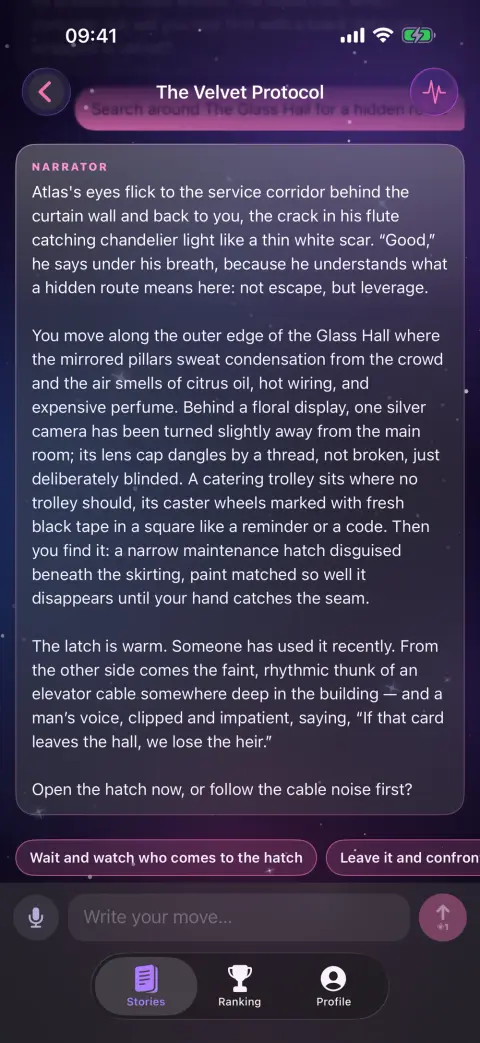
Write any move
Type what your character does or says — negotiate, sneak, fight or persuade. When the story offers choices you can tap one instead, and the narrator builds the next scene around it.
-
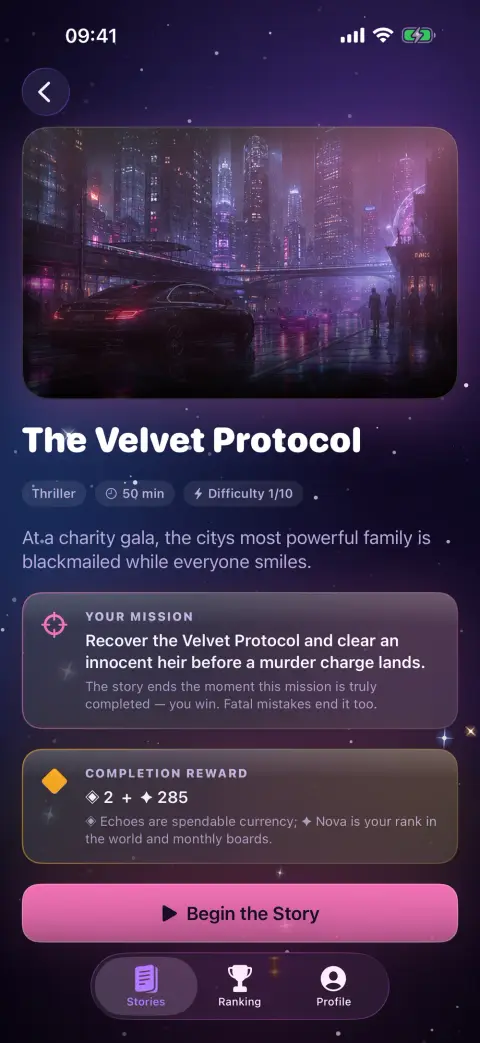
Missions with real stakes
Every story has a clear mission. Progress comes only from real milestones — clues found, allies won, plans carried out — and if your health hits zero, the chapter ends.
-
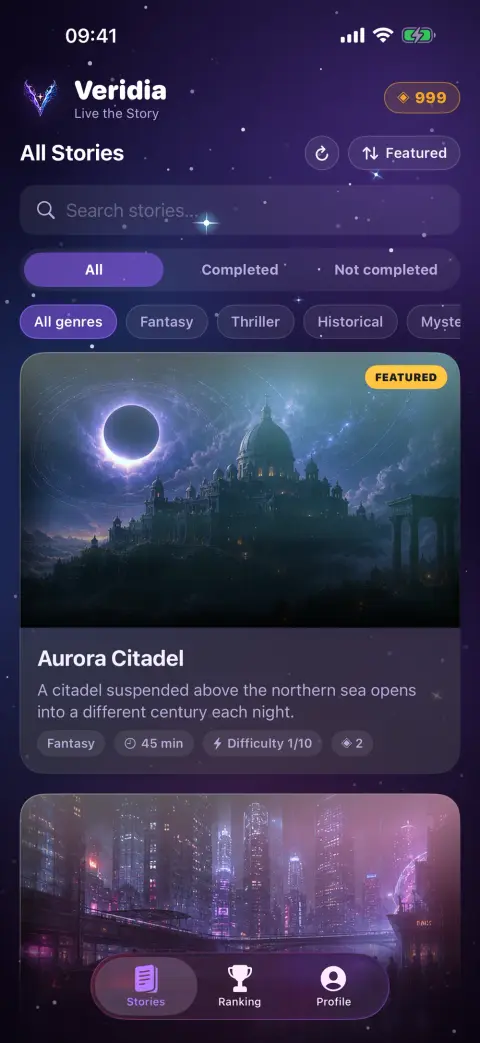
A catalogue of worlds
Fantasy, science fiction, mystery, horror, thrillers, crime and historical drama. Each story shows its genre, estimated playing time and difficulty before you begin.
-
A living status panel
Money, health, inventory, relationships and mission progress update after every turn, so you always know what is at stake.
-
Memory that keeps up
A running story summary and an on-device memory bring back promises, allies and clues from many scenes ago. That memory and your chats are saved only on your device.
-
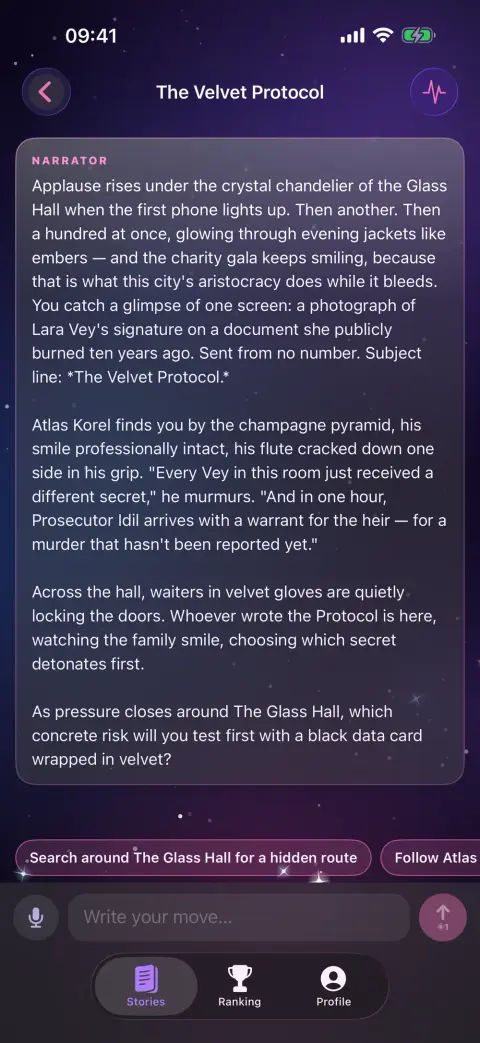
Play with your voice
Tap the microphone to dictate your move, and switch on voice narration to hear each scene read aloud by the best voice installed on your device.
-
Nova and rankings
Finishing stories earns Nova, the prestige score behind the world and monthly rankings. Purchased Echo never changes your rank.
Screenshots
-
A library of worldsScreenshot
-

Your move, its consequencesScreenshot
-

Every story has a missionScreenshot
-

A narrator that listensScreenshot
-

Climb the rankingsScreenshot
Artwork


Privacy at a glance
What the app collects, as declared in the store privacy labels, explained in full in the privacy policy.
Data Linked to You
- NameApp functionality
- Email addressApp functionality
- User IDApp functionality
- Purchase historyApp functionality
- Other user contentApp functionality
- Product interactionApp functionality, Analytics, Third-party advertising
- Device IDThird-party advertising, Analytics
- Advertising dataThird-party advertising, Analytics
- Coarse locationThird-party advertising, Analytics, App functionality
Data Not Linked to You
- Crash dataAnalytics
- Performance dataThird-party advertising, Analytics, App functionality
- Other diagnostic dataThird-party advertising, Analytics
No tracking
Questions & answers
What do I need to play Veridia?
An iPhone or iPad with iOS 17 or later and an internet connection. Sign in with Apple, Google or e-mail — or explore as a guest without giving any personal details.
Can I play offline?
No. Every scene is written live by an AI model through our server, so each move needs a connection. Your chapters are saved on your device and are waiting when you are back online.
What happens to the moves I write?
Each move is sent through our server to OpenAI to create the next scene — without your name, e-mail or account ID. We don't keep story text on our servers; your chats and story memory are saved only on your device.
Do you receive my voice recordings?
No. Dictation uses Apple's speech recognition only while the microphone is on, and Apple may process the audio to turn it into text. We receive only the resulting text, as part of your move.
What are Echo and Nova?
Echo is the in-game currency: every move you send uses Echo. You can get more by watching an optional rewarded ad, buying an Echo pack or subscribing to Veridia Premium. Nova is earned only by finishing stories and sets your rank.
How do I manage Veridia Premium or ask for a refund?
Payments are handled by Apple. Manage or cancel the subscription under Subscriptions in your Apple ID settings; deleting the app or your account does not cancel it. Refunds are requested from Apple at reportaproblem.apple.com.
How do I delete my account?
Open the Profile tab and tap Delete Account. Your account, Echo balance, Nova and ranking entries are removed, and that account's chats are wiped from your device. If you are asked to sign in again, sign out, sign back in and delete right away.
How do I get help?
Use the support form on this page. Pick a topic, describe what happened and add your app version if you can; you will get a private link to follow the conversation.
Help & legal
 ErrorBank