
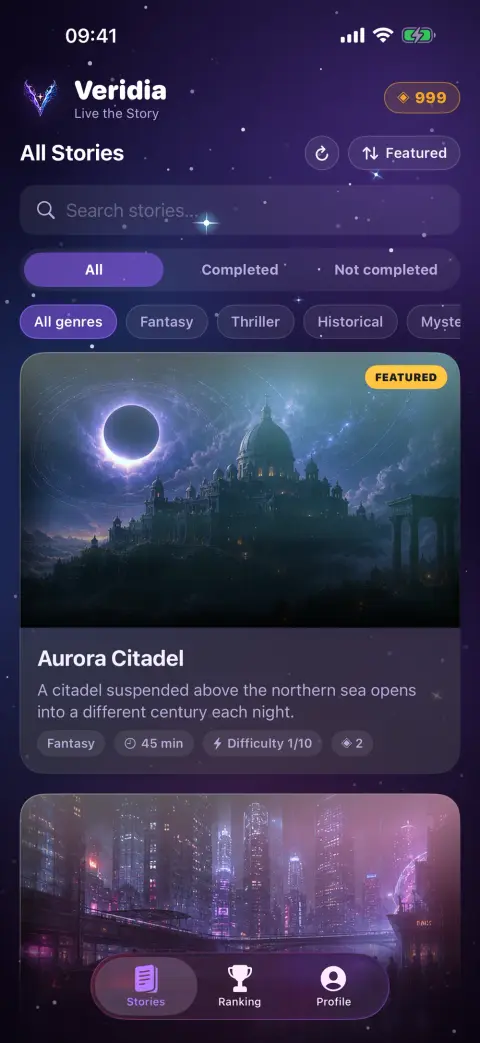
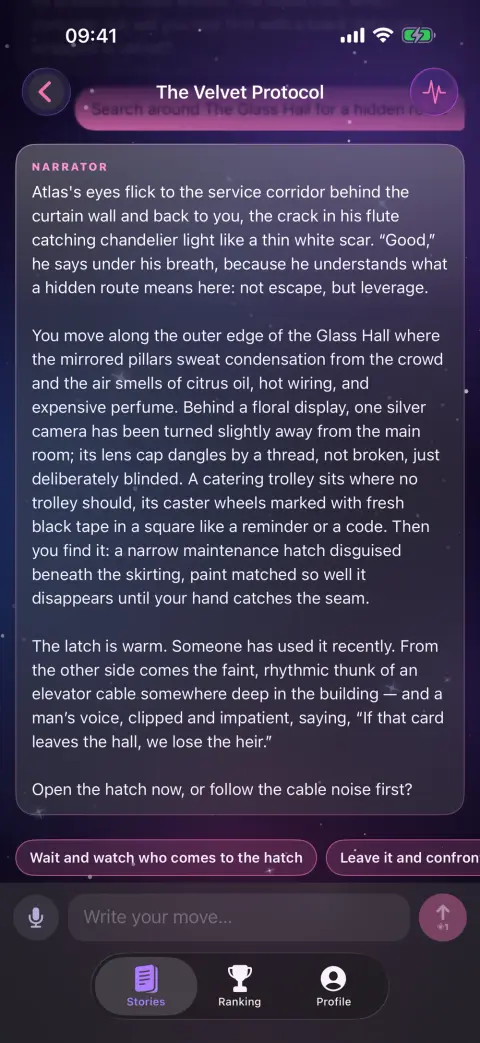
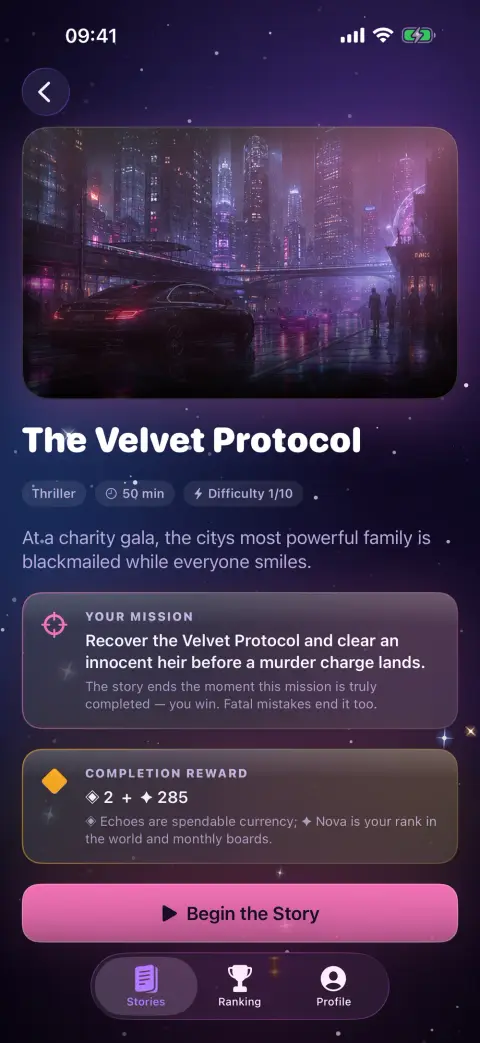
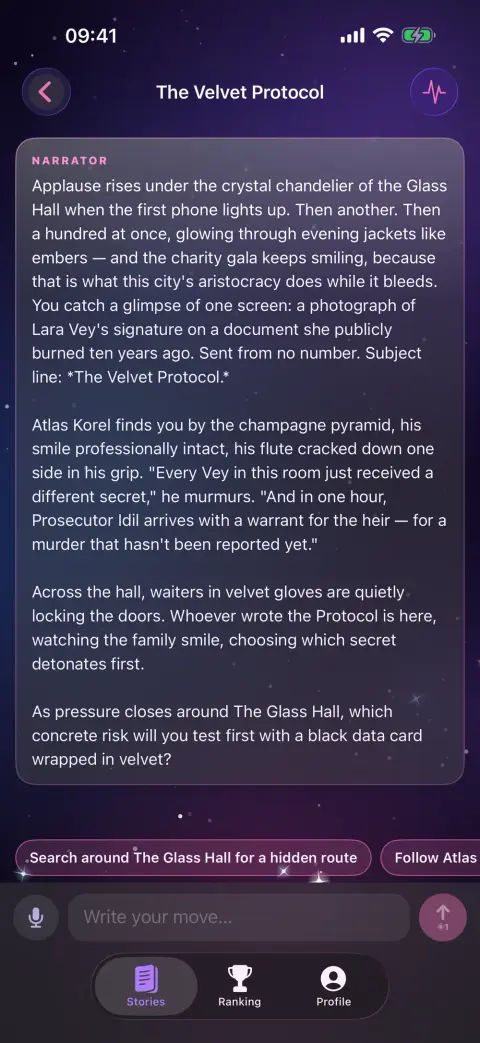


Game · Interactive fiction
Veridia support
Tell us what happened and we will get back to you. You will get a private link to follow your request.
For a purchase question, include the date and the product (Echo pack or Veridia Premium). Never send us your password or payment details.


Request received
Save this private link to follow your request and read our reply. Anyone with the link can see the conversation.
Reference:
Questions & answers
What do I need to play Veridia?
An iPhone or iPad with iOS 17 or later and an internet connection. Sign in with Apple, Google or e-mail — or explore as a guest without giving any personal details.
Can I play offline?
No. Every scene is written live by an AI model through our server, so each move needs a connection. Your chapters are saved on your device and are waiting when you are back online.
What happens to the moves I write?
Each move is sent through our server to OpenAI to create the next scene — without your name, e-mail or account ID. We don't keep story text on our servers; your chats and story memory are saved only on your device.
Do you receive my voice recordings?
No. Dictation uses Apple's speech recognition only while the microphone is on, and Apple may process the audio to turn it into text. We receive only the resulting text, as part of your move.
What are Echo and Nova?
Echo is the in-game currency: every move you send uses Echo. You can get more by watching an optional rewarded ad, buying an Echo pack or subscribing to Veridia Premium. Nova is earned only by finishing stories and sets your rank.
How do I manage Veridia Premium or ask for a refund?
Payments are handled by Apple. Manage or cancel the subscription under Subscriptions in your Apple ID settings; deleting the app or your account does not cancel it. Refunds are requested from Apple at reportaproblem.apple.com.
How do I delete my account?
Open the Profile tab and tap Delete Account. Your account, Echo balance, Nova and ranking entries are removed, and that account's chats are wiped from your device. If you are asked to sign in again, sign out, sign back in and delete right away.
How do I get help?
Use the support form on this page. Pick a topic, describe what happened and add your app version if you can; you will get a private link to follow the conversation.