

Translation & language learning
Lingua AI support
Tell us what happened and we will get back to you. You will get a private link to follow your request.
Please mention your device model, iOS or iPadOS version and, for translation issues, the language pair.


Request received
Save this private link to follow your request and read our reply. Anyone with the link can see the conversation.
Reference:
Questions & answers
What do I need to use Lingua AI?
An iPhone or iPad with iOS or iPadOS 26.4 or later. The AI model is built into the app, so the download is several gigabytes: keep enough free storage. Devices with more memory run the AI faster.
Does it work without an internet connection?
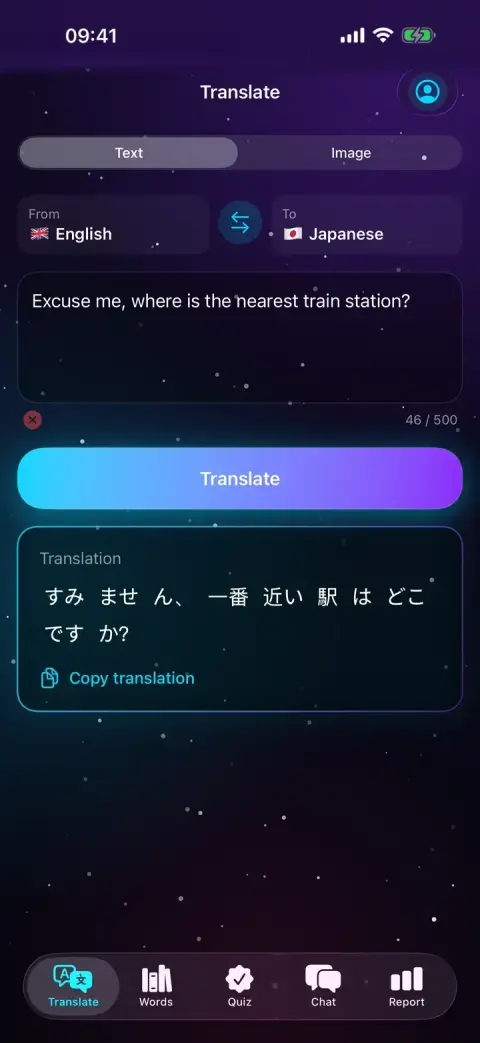
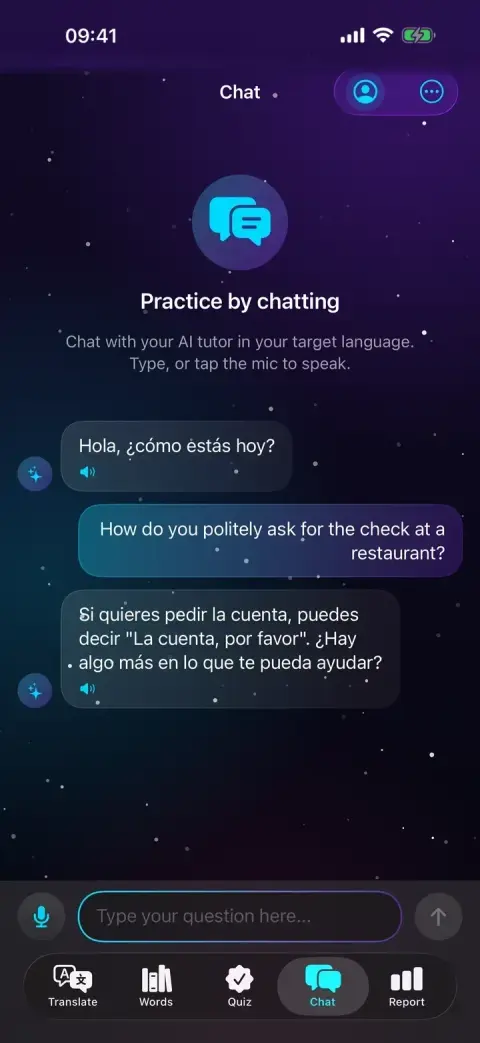
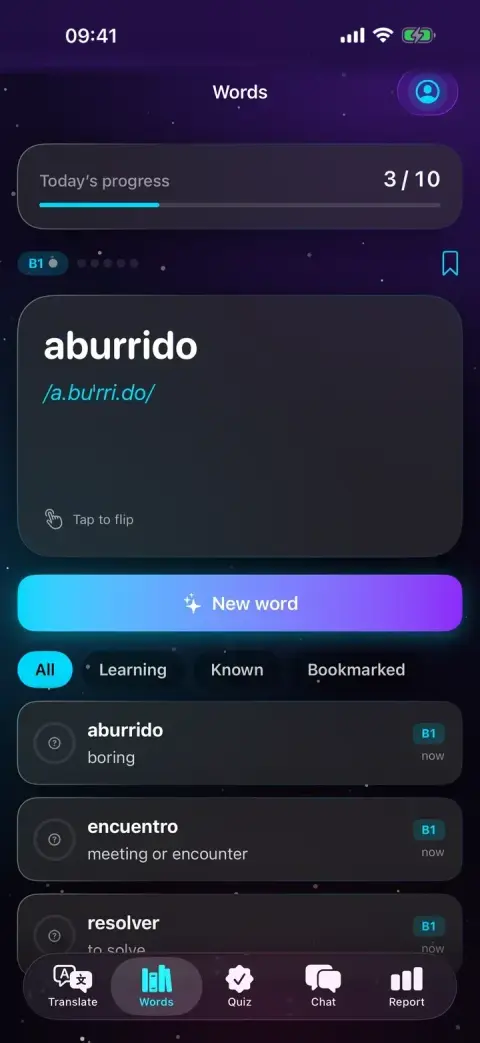
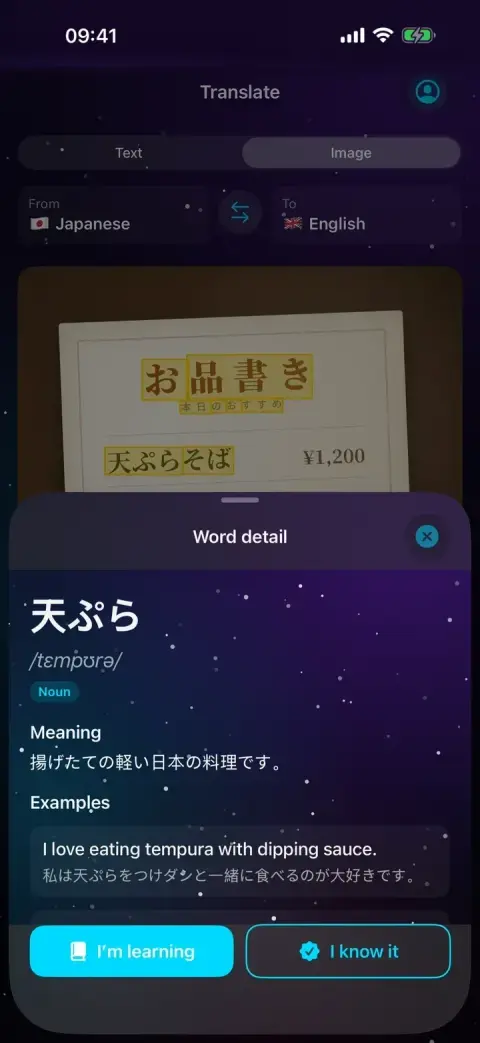
Yes. Translation, photo text recognition, chat practice, word explanations, quizzes and reports all run on your device, including in airplane mode. Voice input depends on which languages your device can recognize offline.
What happens to my data?
Lingua AI has no account, no ads, no analytics and no servers. What you type, photograph or say is processed on your device, and your words, history and reports are stored only there. Photos and audio are not saved.
Why is voice input unavailable for my language?
To keep your voice on your device, Lingua AI uses only Apple's on-device speech recognition and never falls back to a server. If your device cannot recognize a language offline, voice input is turned off for it and you can type instead.
Are there subscriptions or in-app purchases?
No. Lingua AI is a paid app that you buy once on the App Store. There are no subscriptions, no in-app purchases and no ads.
How do I delete my data?
Open your profile from the icon at the top right and choose Reset all data. This deletes your profile, words, translation history, quiz results, reports and cached AI answers, and cancels reminders. Deleting the app also removes everything.
Can I rely on the translations?
Lingua AI is a travel and learning aid, and AI can make mistakes. Do not rely on it for medical, legal, safety-critical or other high-stakes translations; have important content checked by a qualified person.
How do I get help?
Send us a ticket with the form on this support page. You get a private link where you can follow our reply. Mentioning your device model and iOS version helps us help you faster.